
By Zahid Nawaz, Founder of Motion Graphix ·
Quick answer: A product update video is a 20 to 60 second clip that shows one new feature working in the real product, with on-screen text explaining what changed and why it matters. Make one for the biggest release each month, not for every release; summarise the rest in text. Post the same clip in the changelog, the in-app announcement, the newsletter and on LinkedIn. Done well, it is the cheapest video a SaaS team can make and one of the few that existing customers actually watch.
Why text changelogs are not read
Changelogs are written for the team that shipped the feature. Customers see “Improved filtering in the reports module” and have no idea whether it affects them. A 30-second clip of the new filter being used on a report they recognise answers the question instantly, and it travels: the same file goes into the release notes, the help centre, the onboarding email, a tweet and a LinkedIn post. Teams that switch from text-only release notes to short videos routinely report higher feature adoption, which matters because adoption is what stops churn. Our guide to onboarding videos covers the retention side; this one is about announcing what is new.
Which updates deserve a video
Not all of them. A video for every release trains users to ignore your videos. Use a simple filter:
- Yes: a feature customers have asked for, a change to a daily workflow, anything that moves a usage metric you care about, a new integration with a tool your customers already use, a pricing or packaging change that needs explaining.
- No: bug fixes, performance work, settings changes, anything a one-line note covers.
One video a month is a good rhythm for most teams. Weekly is sustainable only if the recordings are quick and templated.
The 30-second structure
- 0 to 3 seconds: the feature name and one line on what it does, as on-screen text over the product. “Scheduled exports: your reports, in your inbox, every Monday.”
- 3 to 20 seconds: the feature being used once, start to finish. Real UI, realistic data, cursor movement smoothed, no detours into other menus.
- 20 to 27 seconds: the result. The export arriving, the notification firing, the dashboard updating. Always end on the outcome, not on the save button.
- 27 to 30 seconds: where to find it. “Settings, then Exports. Live for all plans today.”
No intro animation, no music swell, no “we’re excited to announce”. Existing users want the information at the speed of a colleague showing them something.
Two examples from our work
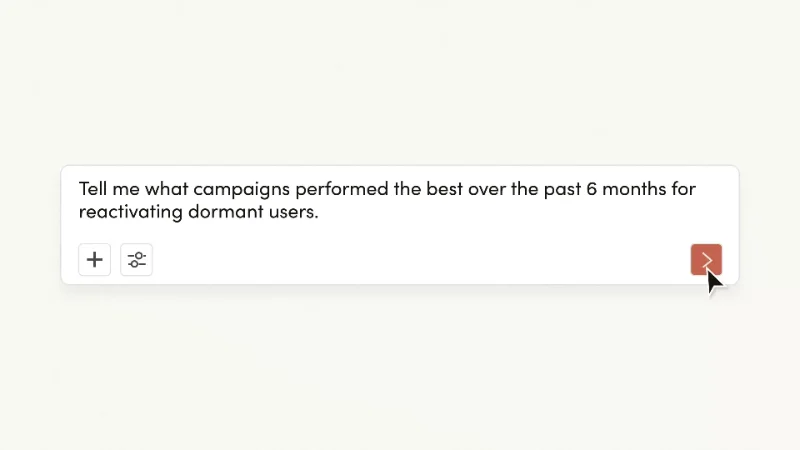
Mintlify’s widget announcement runs 22 seconds: it shows that the docs assistant can now live inside your own product, and stops. The whole update is one idea, so the video is one idea. Iterable’s MCP Server video is longer at around 60 seconds because the feature is a new way of working: a marketer describes the campaign they want, watches it get built, and laptop and phone previews close the loop. Length should track how much the user’s behaviour has to change, not how proud the team is of the release.
Produce it in-house or send it out?
For monthly updates, record in-house. A tidy demo account, a scripted 30 seconds, a tool like Screen Studio or Descript for smooth cursor and captions, and a consistent title card template. The whole thing should take under two hours once the template exists. Save produced video for the two or three releases a year that are launches in their own right: a new product line, a redesign, a major AI feature. Those deserve the full treatment, a script written for people who have not seen the product and every format for ads and social, which is what our launch video strategy article and app demo video service cover. If you want the monthly clips to look like the launch video, we can build the template and the first few clips so your team has something to copy.
Distribution checklist
- Changelog or release notes page, embedded at the top of the entry.
- In-app announcement (a modal or a banner with the clip inline), targeted to users who have the relevant permission.
- Product update email, with a GIF of the first five seconds linking to the full clip.
- Help centre article for the feature, with the clip as the first thing on the page.
- LinkedIn and X, posted by a product person rather than the brand account; founder-led posts get more reach, as our founder-led video article explains.
- A vertical cut for Reels or Shorts if your audience is there, which for B2B it usually is not.
Keeping them current
Update videos age fast because the UI changes. Keep the project files, keep the captions as a separate layer, and date the video in the changelog so a user watching an old one knows it is old. When a feature changes substantially, replace the clip rather than appending a correction.
Quick questions
How long should a product update video be?
20 to 60 seconds. If it needs more, it is a launch, not an update.
Should product update videos have a voice-over?
On-screen text is enough for the in-app and changelog versions and works on mute. Add a voice for the email or social version if you have one person who can record consistently.
How often should we release a video update?
Monthly for the biggest release; text for everything else. A quarterly “what’s new” roundup video works well for teams that ship constantly.
Can you make these for us on a plan?
Yes. Our monthly plans start at four videos a month, which covers a launch video plus three update or social clips, with a monthly content plan included.




